

nullGravitum · Chrome extension
Tu agente en el navegador.Consola incluida.
OpenNull AI adjunta pestañas reales, habla contigo en Chat (cloud nullGravitum) y ejecuta acciones en la página — incluido código en consola. Misma idea que NanoGrav: cuenta nullGravitum, modelo oculto en cloud, BYOK solo en ajustes.
v0.4.0 · load unpacked · Chrome / Edge / Brave
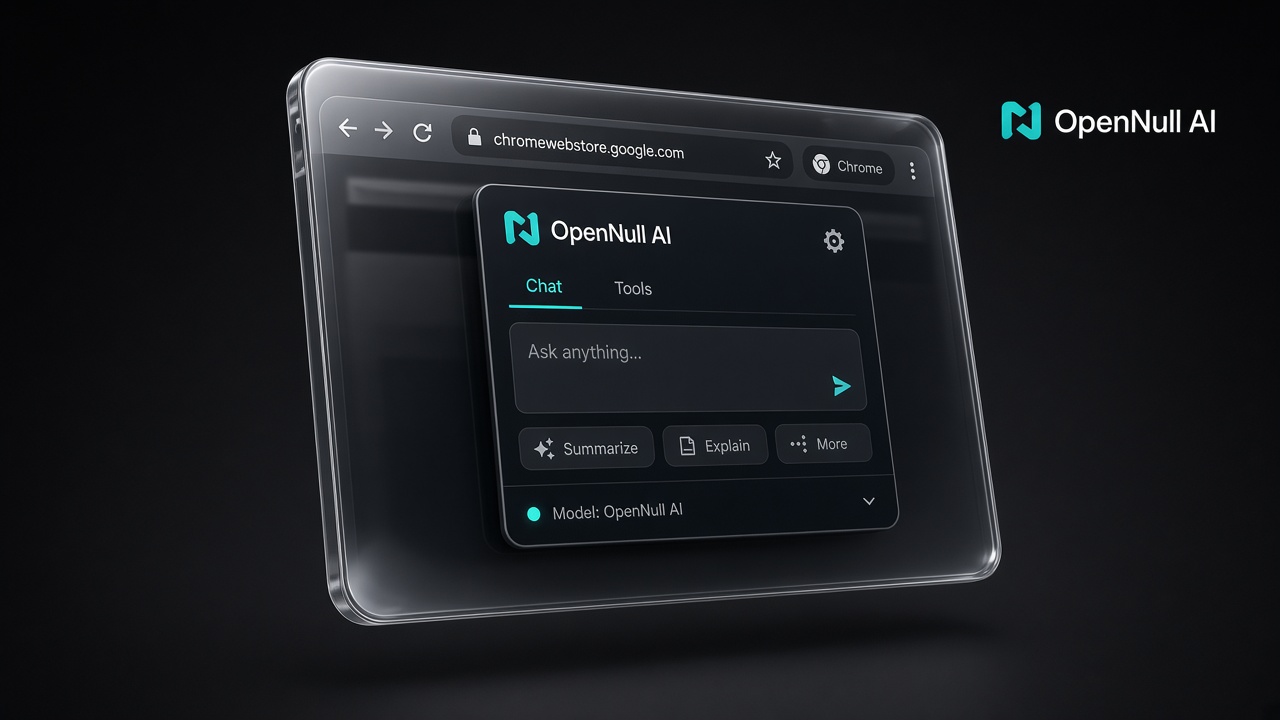
Chat cloud
Habla con tu agente nullGravitum desde la extensión. Plan cloud: sin pegar API keys ni nombres de modelo.
Consola + página
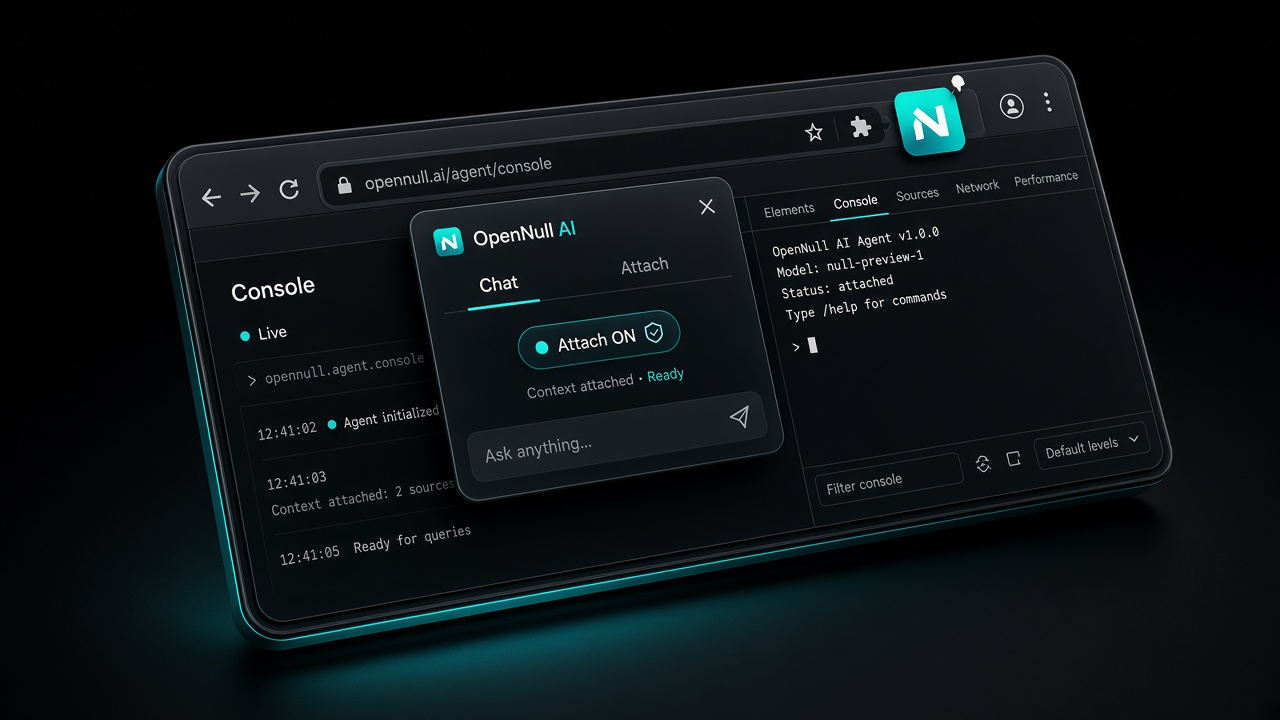
Attach a la pestaña, snapshot, clicks, evaluate/JS en consola y lectura de logs — el navegador como herramienta.
BYOK oculto
Sin plan cloud aún: cuenta nullGravitum + tu endpoint OpenAI-compatible en Settings (avanzado).
Cómo funciona
Attach → Chat → Consola
- Instala unpacked desde el zip (Modo desarrollador).
- Inicia sesión nullGravitum (obligatorio).
- Con plan cloud: tab Chat usa el agente OpenNull (motores públicos, modelo real oculto).
- Sin plan: activa BYOK en Settings y conecta tu API OpenAI-compatible.
- Attach en la pestaña y deja que el agente opere la página y la consola.
Descarga OpenNull AI
Zip listo para Chrome. La tienda llega después; mientras, load unpacked. Auth y planes se enganchan al mismo stack nullGravitum que NanoGrav.
Download Chrome zipTambién en API downloads · api.nullgravitum.com:8444/downloads/
OpenNull AI · producto nullGravitum · no revela proveedores de modelo en UI cloud